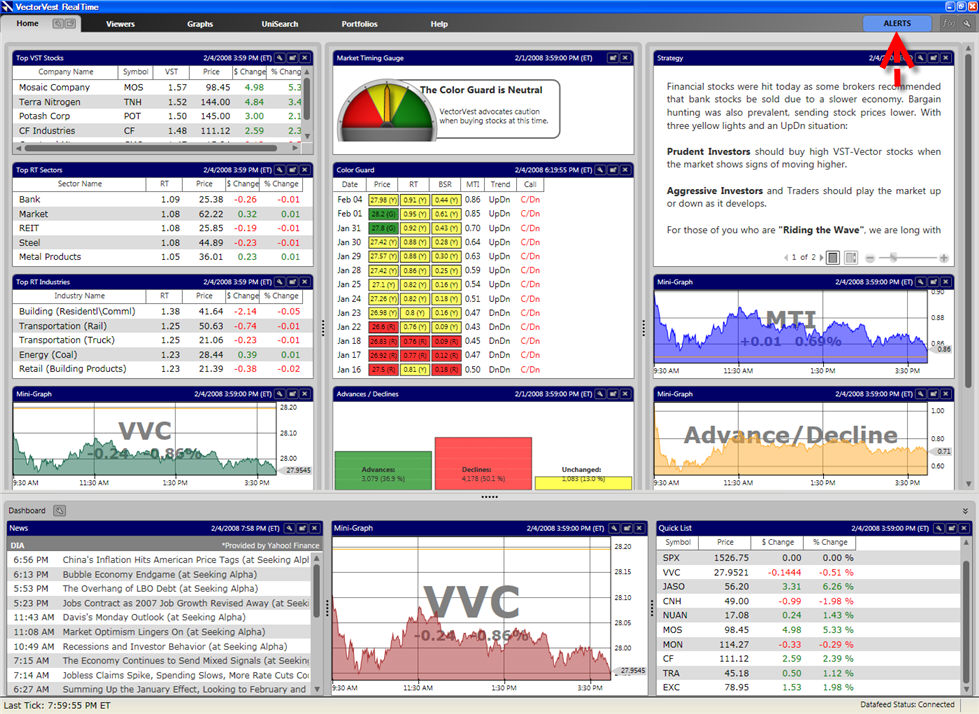
Alerts provide you with portfolio automation messages, as well as important notices from VectorVest regarding the RealTime program.
To learn more about Portfolio Automation Alerts, see Edit Automation and Set Automation.
The Alerts button is located in the top right corner of the program. The Alerts button will be 'lit' when there are new messages waiting to be read.
New alerts will appear briefly on the screen. To view the entire message, left-click on the "Alerts" button, and click the message name to display it and mark it as read.
Alerts will remain in the program until they are read, and the program is closed and reopened.
Click the 'X' to close the Alerts Manager Window, or simply click the 'Alerts' button..